

Picture this:
You're about to learn everything about "Top 8 Web Design Software of 2023 Design Like A Pro!" — without the jargon, without the fluff, and with at least one dad joke that'll make you groan. Grab your coffee. Let's go.
Key Takeaways
6 min read
- 1What you need to know before printing
- 2Common mistakes to avoid
- 3How to get the best results
I don't know about you, but <a href="https://studio.printulu.co.za" class="internal-link text-[#007756] hover:text-[#005d42] underline font-medium">web design</a> can be both incredibly exciting and hair-pullingly frustrating. The difference between these two experiences? Having the right software tools at your fingertips.
Here's the truth: the right web design software can turn a week's worth of work into a few hours of focused creativity. Bad software? Well, that's a one-way ticket to frustration city and premature grey hairs.
Gone are the days when you'd spend countless hours writing complex code just to create a basic template. Today's web design software lets anyone build stunning websites quickly and easily – even if you've never touched a line of code.
<AcademyQuote> Just like choosing the right paper for a print job, selecting the right web design software sets the foundation for everything that follows. </AcademyQuote>
I've handpicked eight of the best tools available right now. If you're new to website building, start with a free option like Bluefish before investing money. Don't worry though – all the premium tools here offer trial versions so you can test-drive before you buy.
1. WordPress#
Have a look at what WordPress has to offer here.
WordPress tops this list for good reason – it's the most popular platform here and powers our own Printulu website.
WordPress isn't traditional design software. It's actually a content management system (CMS) that acts as your website's engine. But here's what makes it brilliant: once installed, the backend is incredibly user-friendly.
You can integrate it with drag-and-drop page builders to enhance your templates. Start with existing WordPress templates, or download free and premium options with just a few clicks. Want to use your own design? Most templates come with built-in frameworks that let you customise everything through drag-and-drop functions. No programming required.
This approach lets you create professional websites without learning a single line of code.
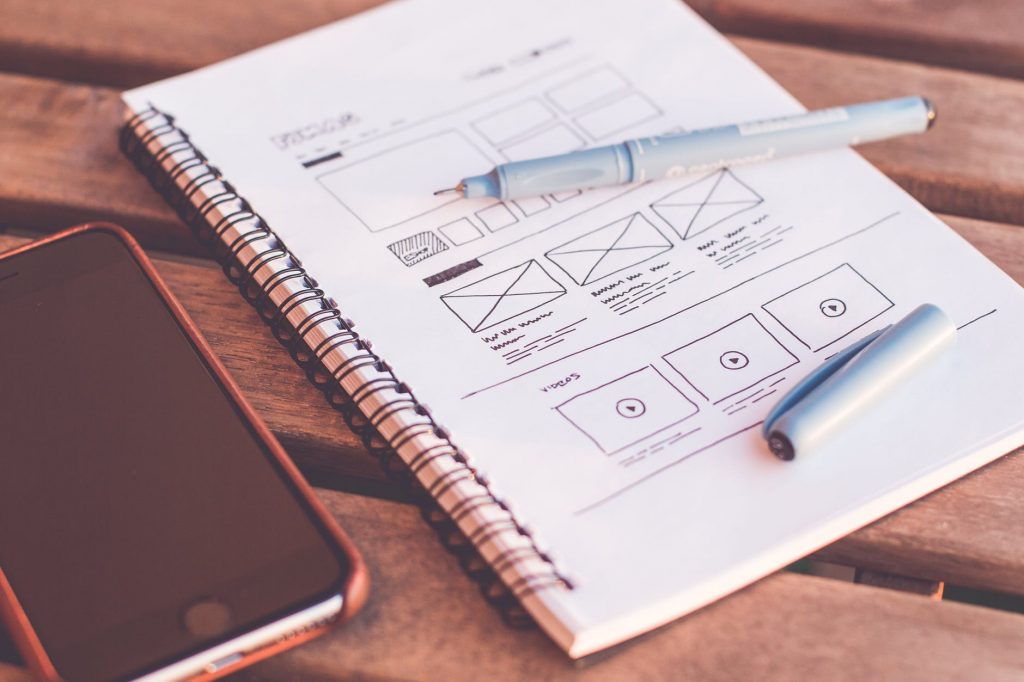
Designs for a website
2. Webflow#
Check out Webflow here.
Webflow is a cloud-based service built specifically for people with zero coding knowledge. This cross-platform, web-based program champions the "no code" concept through its crisp drag-and-drop interface.
Drop text, images, and other elements seamlessly onto your page. Choose from free templates to get started quickly. The platform offers a free demonstration of its features, plus a free Starter package that lets you create up to two projects.
3. Google Web Designer#
Take a look at Google Web Designer here.
Google Web Designer specialises in creating interactive HTML5, JavaScript, and CSS content. In simple terms? It's primarily built for creating ads.
The beauty lies in its simple GUI with point-and-click design tools. You'll find everything from text and basic shapes to 3D animations. The timeline at the bottom shows 3D features, while right-hand panels let you fine-tune colours and other options. There's even a handy library of components including images, videos, and advertising tools.
Advanced users can switch between 'design' view and 'code' view, opening up possibilities beyond ads – if you have the programming knowledge. You can also automatically publish content. Best part? It's completely free for Windows, macOS, and Linux.
4. Wix#
Check out Wix here.
I use Wix for my personal graphic design portfolio, and it delivers excellent results. This powerful drag-and-drop web design software operates as a hosted solution – create your web pages directly on their platform without buying separate domain names or hosting.
The Wix editor is refreshingly simple and intuitive. No technical expertise needed. Drag and drop elements onto your template effortlessly. Choose from ready-made templates or start with blank pages for complete creative freedom. Wix uses advanced technology to power its web-building capabilities.
Start with a free account featuring basic tools. If you love the experience, upgrade to premium plans for additional features.
<AcademyProTip> Before committing to any paid web design platform, create a simple test page to see how intuitive the interface feels for your specific needs. </AcademyProTip>
5. Weebly#
You can read more about Weebly here.
Weebly is a popular web-building platform trusted by millions worldwide. Create designs for general websites and eCommerce stores through its drag-and-drop interface – build professional web designs in minutes.
Like Wix, it's a hosted solution with powerful, fast-loading options. The drag-and-drop functionality means you'll never write a single line of code. The free version includes everything needed for beautiful websites, though paid plans unlock additional features and options.
6. Adobe Dreamweaver#
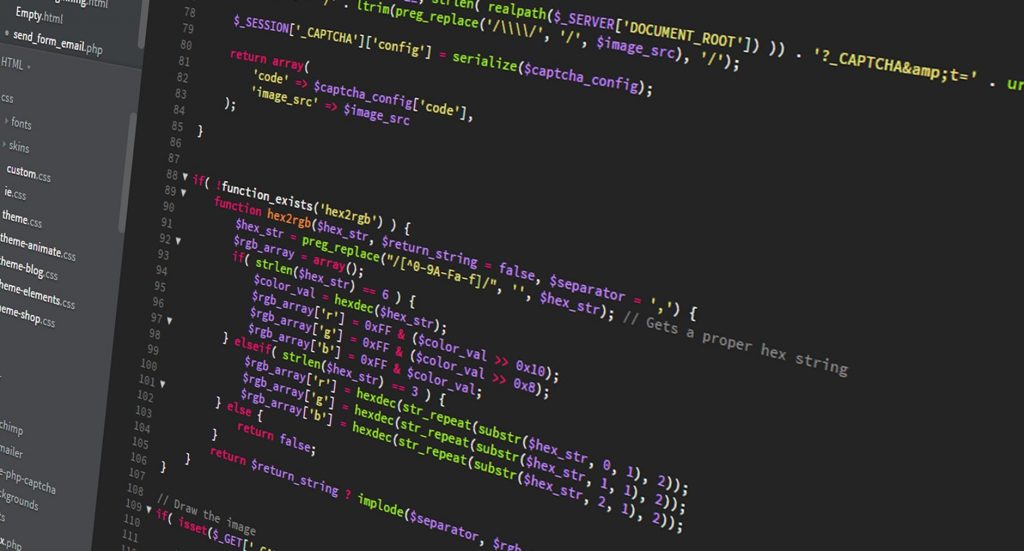
Code
Dreamweaver has long held the crown as the premier web design software, especially when it was virtually the only professional option available. This long-established app lets you code website designs directly without extensive programming knowledge.
The software combines visual editing with HTML editing, creating a manageable learning curve for most users. One standout feature: responsive design capabilities. Your website automatically optimises for both desktop and mobile devices without compromising user experience.
Dreamweaver comes as part of Adobe's Creative Cloud subscription service, which also includes Photoshop.
7. Bluefish#
Check out Bluefish here.
Bluefish ranks among the most compact web design tools available. The installer weighs just under 53MB and setup takes mere moments. Despite its text-only interface, it's clearly designed for beginners with straightforward toolbars, customisable <a href="https://www.printulu.co.za/product/menus?utm_source=blog&utm_medium=content&utm_campaign=internal" class="internal-link text-[#007756] hover:text-[#005d42] underline font-medium">menus</a>, and syntax highlighting.
While HTML is the main focus, Bluefish supports numerous languages including PHP, Java, JavaScript, SQL, XML, and CSS. The excellent search function finds text across multiple projects, and the tool handles hundreds of documents simultaneously without breaking a sweat.
Best of all? It's completely free.
<AcademyDadJoke> Why did the web designer break up with their code editor? Because it had too many issues and never committed properly! </AcademyDadJoke>
8. Bootstrap#
Check out Bootstrap here.
Bootstrap is a popular framework for creating web designs and websites, built for technical users who want beautiful front-end designs. This powerful framework uses HTML, CSS, and JavaScript to create sophisticated web designs.
It includes pre-built web templates that integrate seamlessly with the Bootstrap framework. You can fully customise these templates to achieve your desired results.
Related Articles:#
- Top Five Best Free Design Software of 2019
- Top Design Websites for Non-Designers
- Understanding Online Printing Processes by Printulu
