

Picture this:
You're about to learn everything about "The Best Design Websites for Non-Designers Design Like a Pro" — without the jargon, without the fluff, and with at least one dad joke that'll make you groan. Grab your coffee. Let's go.
Key Takeaways
4 min read
- 1What Makes Print-Ready Design Different
- 2The Best Design Websites for Non-Designers
- 3Where to Find Professional Images (For Free)
- 4Final Steps for Print Success
You don't need to be a designer to create stunning print materials. Here's the truth: those expensive design programs and years of training aren't your only options anymore.

Group conversation
Let's face it — we've all been there. You watch a YouTube tutorial, feel confident, then reality hits. Design isn't as simple as it looks, even if you were the preschool Picasso drawing people with actual limbs instead of stick figures.
A few years back, I watched a club owner create a flyer in Word. Fifteen minutes. He even "cropped" backgrounds using Paint. At the time, I thought it was genius. Now? I cringe thinking about what that poor printer received.

frustrated man
Here's what you need to know: Word, PowerPoint, Excel, and Publisher aren't design programs. They're office tools trying to be something they're not. Using them for print design is like using a teaspoon to dig a swimming pool — technically possible, but painful for everyone involved.
Dad Joke Break
Why don't designers use Word for layouts?
Professional design services can cost a fortune, and Adobe Illustrator has a learning curve steeper than Table Mountain. But here's the good news: you've got better options.
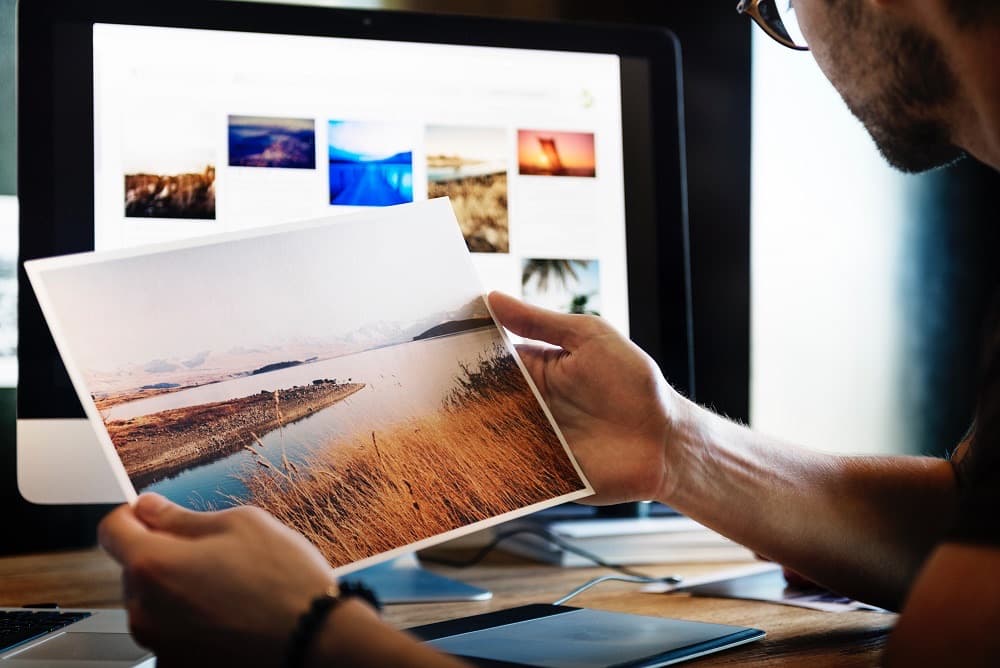
Man printing photos
What Makes Print-Ready Design Different#
When you're designing for print, creativity alone won't cut it. Your artwork needs to tick specific boxes:
- The file is supplied to size
- The artwork has bleed all around for cutting
- Images embedded and fonts converted to paths
- Converted to CMYK
- Resolution of at least 300dpi
Sounds scary? Don't worry. The websites we're about to show you handle most of this technical stuff automatically.
“Print design isn't just about making things look pretty — it's about making sure they print beautifully too.
PPrintulu Academy
The Best Design Websites for Non-Designers#
These platforms come with built-in templates created to standard sizes. No more guessing games about dimensions or wrestling with mysterious settings.
Canva leads the pack as the most popular choice. Even some professional designers use it (but don't tell anyone). It's incredibly user-friendly with tons of templates and fonts. Choose your template, upload your logo, start creating. Simple.
Other excellent options include DesignWizard, Lucidpress, Crello, Desygner, and Fotojet. Each offers templates sorted by category — perfect when you need business cards but don't want to accidentally design a birthday invitation.
BeFunky organizes templates into categories like "Blogging" and "Small Businesses." No confusion about what you're creating.
Fotor goes one step further, letting you resize your artwork to correct Printulu specifications right from the start. That's convenience.
Printulu Pro Tip
Where to Find Professional Images (For Free)#
Ever wonder where designers get those stunning high-resolution photos? They're not all hiring photographers or living on instant noodles to afford stock photos. Free, copyright-free images are everywhere if you know where to look.
Here are the top websites for quality images: Unsplash | Gratisography | Morguefile | Pixabay | Stockvault | Pexels | Picjumbo | Pikwizard | Rawpixel | Reshot
Simply search by keyword and choose your favorite. No legal worries, no watermarks, no problems.
Final Steps for Print Success#
Once you've created your masterpiece, remember these crucial steps:
- Save as a print-ready PDF
- Use RGB2CMYK to convert your colors if needed
- Double-check that your design meets print specifications
No more cold shivers when you need artwork for your business. No more dreaded "Artwork Problem" emails. You've got this.
Related articles#
- Why Graphic Design is Useless! (Revealed)
- 10 Design Do's and Don'ts
- 5 Things Your Letterhead Design MUST Include by Law! (Everyone Forgets Number 2)
Ready to print?
Browse all print products in the shop →