

Picture this:
You're about to learn everything about "4 Ways to Save Money on Graphic Design And Get a Killer Design" — without the jargon, without the fluff, and with at least one dad joke that'll make you groan. Grab your coffee. Let's go.
Key Takeaways
7 min read
- 1What you need to know before printing
- 2Common mistakes to avoid
- 3How to get the best results
4 Ways to Save Money on Graphic Design (And Get a Killer Design)#
There's only one thing you need to remember: saving money on graphic design is all about saving time. When you save your designer time, you save yourself time and money. Why? Because graphic design costs are directly tied to the hours spent on your project.
Here are 4 strategies you can implement today to slash your design costs while still getting killer results.
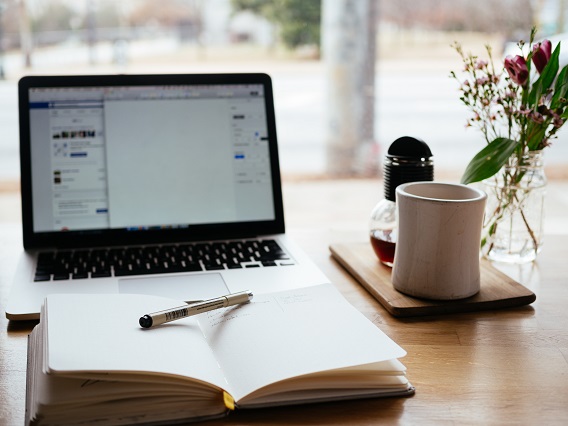
Write a good brief - Photo by Nick Morrison on Unsplash
_Write a good brief_
1. Write a Good Brief (It Doesn't Have to Be War and Peace)#
Look, we get it. You're already stretched thin, and writing a proper brief feels like another time-waster. But here's the thing – that one-liner email you're tempted to send? It'll cost you way more in revisions and back-and-forth later.
<AcademyProTip> A solid brief can speed up your design process by up to 5x. That 15-minute investment upfront saves hours (and rands) down the line. </AcademyProTip>
Creating a good brief isn't rocket science. Just answer these 4 questions:
- What do you want the design to say?
- Who's your target audience?
- Where will you use this design?
- What response do you want from people?
That's it. Simple, right? For more detail, check out: How To: Write a Design Brief That Clicks!
Free Paper booklet only pay R99 for delivery!
_Free Paper Booklet – only pay R99 for delivery!_
“Tip: Boost your brief with examples and inspiration. Spend 15 minutes on Google or Pinterest searching for "great <a href="https://www.printulu.co.za/product/flyers?utm_source=blog&utm_medium=content&utm_campaign=internal" class="internal
llink text-[#007756] hover:text-[#005d42] underline font-medium">flyer</a> designs" (or whatever you need). This visual reference can speed up the design process by 5x!
While you're building that brief, include any high-res files from previous designs.#
Got an existing design that's close to what you want? Perfect! It's much faster (and cheaper) to modify existing artwork than start from scratch. Keep those source files – the Adobe Illustrator, InDesign, Photoshop, or editable PDFs – and send them to your designer.
Don't forget high-resolution images of your logo and business photos. If your designer has to fix pixelated files, you'll pay for that time. Plus, the results won't look great.
<AcademyQuote> Remember: high-res means 300dpi or higher. Your wallet (and your brand) will thank you. </AcademyQuote>
**Related: Is your Artwork Ready for Printing? Follow These Steps to Get the Best Quality Print! With Checklist…**
Match with the right designer - Photo by Aleksandra Mazur on Unsplash
_Match with the right designer_
2. Find Your Design Soulmate (And Avoid Costly Heartbreak)#
You need a designer who can translate the vision in your head into stunning reality. Even if your brief isn't perfect, the right designer will create something that matches (or exceeds) your expectations.
Do your homework. Browse their portfolio and make sure their style aligns with what you're after. This single step can dramatically reduce revisions, eliminate endless email chains, and save you from starting over with someone new.
3. The Internet is Your Best Friend#
Four platforms can help you find your perfect design match:
**1. 99 Designs**#
How it works: Write your brief, choose a budget package, and launch your contest to over 1 million designers worldwide.
The difference: You'll receive multiple design options. Give feedback on your favourites and pick a winner. You can then work with the same designer on future projects.
**2. Design Pickle**#
How it works: Fill out their briefing form, submit it to one of their designers, and receive your final design in your requested format.
The difference: Pay a flat monthly rate for unlimited briefs with quick turnaround – sometimes just one day!
**3. Fiverr**#
How it works: Search for freelancers using their filters, browse portfolios, chat with designers, and hire the right one. You can also post your brief and receive custom offers.
The difference: Services start at just $5 (hence the name).
**4. Design Contest**#
How it works: Create your contest brief with your budget and launch it. You'll receive multiple options within hours. Provide feedback, eliminate designs that don't work, and pick your winner to release the prize money.
The difference: Set up to 3 prizes to attract more designers and get even more options.
The internet can help - Photo by NASA on Unsplash
_The internet can help_
4. DIY – Design it Yourself#
Some tools don't require technical design skills, while others need more expertise. If you don't have design experience, we'd recommend hiring a professional – poor design can seriously damage your brand.
But if you're determined to go the DIY route, here are your options:
Check out our detailed guide: Top 5 Best Free Design Software of 2019: Design Like A Pro – FOR FREE!
**1. Canva**#
How it works: Log in (free and paid plans available), choose your dimensions from presets or create custom sizes, select fonts, colours, and images from their library, then download in your preferred format.
It's user-friendly for simple designs. Warning: colours are set in RGB, so your printed colours might look different from your screen. This tool can help convert RGB to <a href="/blog/topics/artwork-prep" class="internal-link text-[#007756] hover:text-[#005d42] underline font-medium">CMYK</a>, but we can't guarantee perfect colour matching.
**2. Snappa**#
How it works: Similar to Canva with different pricing and interface. They don't offer print presets, but you can create custom dimensions.
**3. Gimp**#
How it works: This open-source image editor gives you powerful graphic design capabilities for free. However, setup might be tricky without programming experience, and there's a learning curve if you're new to design software.
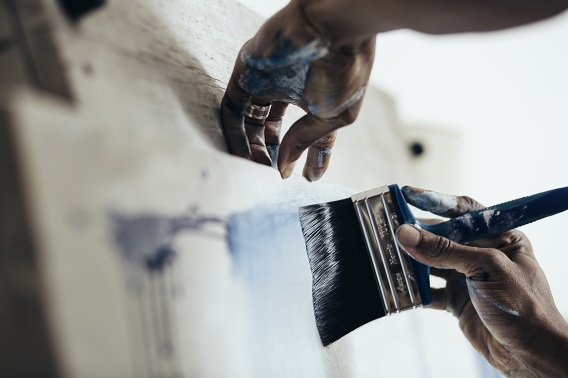
Do it yourself if you must
_Do it yourself – if you can_
<AcademyDadJoke> Why don't designers ever get lost? Because they always know where to find their CMYK! </AcademyDadJoke>
**Avoid setbacks with our print-ready artwork guide: Help Centre**
Here's your quick checklist:
- 3mm bleed – ensures perfect cutting
- CMYK colours – RGB causes colour mismatches in print
- Package files with all fonts and images – convert fonts to curves
- Use high-res images – 300 DPI minimum
- Proofread everything – especially contact details, addresses, and URLs
The Bottom Line#
Saving money on graphic design boils down to saving time. Write a solid brief, find the right designer who matches your brand style, and leverage online services. If all else fails, try DIY tools. Once your design's ready, order your prints with Printulu for online convenience and free standard delivery.
All is Not Lost#
If you've exhausted all options – including DIY attempts – we've got you covered. Did you know Printulu offers top-notch design services too? Learn more: Our Game-Changing Design Process: And How To Use It
Sources and resources:
- 5 secrets to save on design services
- 5 ways to save on graphic design costs
- 8 Extremely simple ways to save money & time in print design (Pro tips from printers)
Related:
- 1Is your Artwork Ready for Printing? Follow These Steps to Get the Best Quality Print! With Checklist…
- 2Why Graphic Design is Useless! (Revealed)
- 3Your Complete Business Stationery List (Checklist: Do You Have What You Need?)
- 4[![Subscribe <a href="https://www.printulu.co.za/product/banners?utm_source=blog&utm_medium=content&utm_campaign=internal" class="internal-link text-[#007756] hover:text-[#005d42] underline font-medium">banner</a>](https://www.printulu.co.za/blog/wp-content/uploads/2019/05/Newsletter_Subscribe-01.png)](https://hello.printulu.co.za/popi-compliance--verify-your-email-address)