

Picture this:
You're about to learn everything about "Booklet Print Setup 6 Steps to Avoid Wasting Money [2026]" — without the jargon, without the fluff, and with at least one dad joke that'll make you groan. Grab your coffee. Let's go.
Key Takeaways
5 min read
- 1What you need to know before printing
- 2Common mistakes to avoid
- 3How to get the best results
“[How to Design a Booklet in InDesign](https://www.printulu.co.za/blog/booklet
pprinting-booklet-design/)
“[The Power of Booklet Printing: Unlocking Captivating Experiences](https://www.printulu.co.za/blog/booklet
pprinting/)
Whether you're printing your product catalogue, annual report, or promotional booklet, you want the final physical version to be exactly what you signed off on. Nothing's worse than production delays or pages bound in the wrong order.
Booklets can make your brand absolutely shine. But let's be honest – printing high volumes with multiple pages can feel overwhelming. Here are practical tips to keep you ahead of the curve for your next big booklet run.
Pages Ordered vs Pages Supplied#
Your booklet needs the correct number of inner pages to turn out as you envision. If you've got an odd number of pages, add a blank one – perhaps at the back. This balances your final product and prevents production delays.
<AcademyProTip> Always check your page count before submitting. If you're unsure, add an extra blank page rather than risk delays. </AcademyProTip>

book
Legibility & Quality#
Your booklet's number one priority should always be legibility. Doesn't matter if you're driving sales, promoting offers, or marketing your brand – if customers can't read it, it's useless.
Keep font sizes above 6pt. That's the minimum for readable text. Use high-resolution images and logos at 300dpi to keep everything crisp. Low-resolution images create pixelation, making your booklet look cheap – definitely not the impression you want.
Page Numbering#
You don't absolutely need page numbers, but we recommend them. Combined with a clear contents page, numbering helps customers find what they're looking for quickly. It also helps during production, ensuring binders arrange pages correctly.
Don't worry though – if your booklet exports correctly, you won't have binding issues even without numbers.
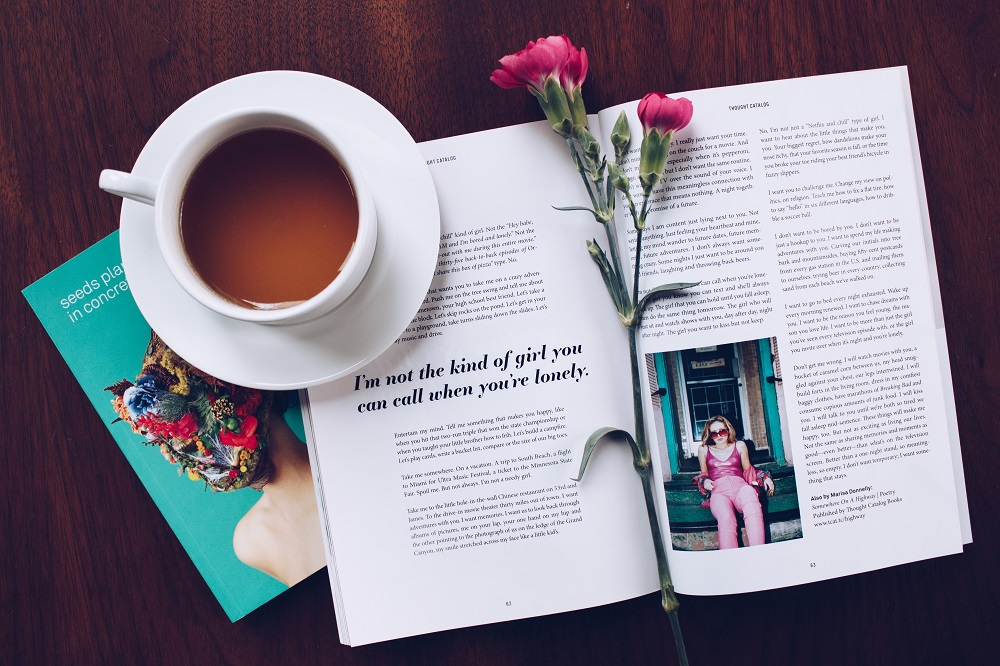
tea and magazine on table
Image Source: Coffee Cup Guide
Exporting#
Set up your document in [<a href="/blog/topics/artwork-prep" class="internal-link text-[#007756] hover:text-[#005d42] underline font-medium">CMYK</a>](https://www.printulu.co.za/blog/rgb-vs-cmyk/) colour profile. RGB documents cause colour variations and other headaches.
Supply your booklet as single pages in one PDF document, including covers. Follow reading sequence. For a product catalogue, your PDF flows like this:
- 1Page 1: Front cover (logo, striking image)
- 2Page 2: Inside front cover (contents or blank)
- 3Pages 3-X: Inner pages in sequence
- 4Second last page: Inside back cover
- 5Last page: Back cover
You can supply covers separately if you prefer, but inner pages must follow this layout.
<AcademyQuote> A well-structured PDF prevents 90% of production issues. Take the extra time to get your sequence right. </AcademyQuote>
Bleed & Text#
We talk about bleed constantly because it's absolutely essential. Your document needs at least 3mm bleed to prevent cutters from slicing into your artwork.
Convert all text to paths – this means text becomes graphics that won't drop off your document during printing.
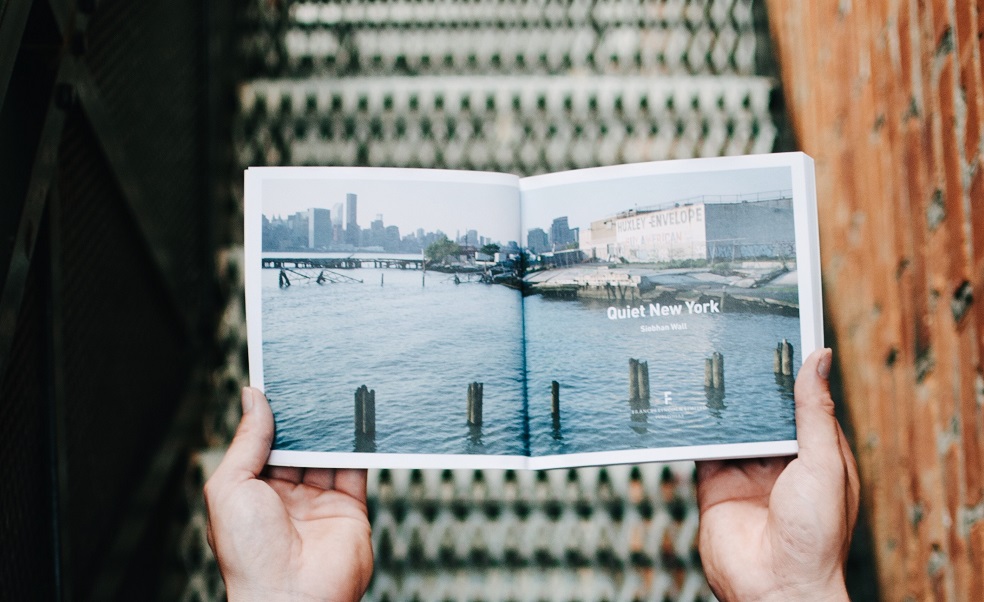
open book
Some Design Tips#
- 1Use high-res, striking imagery for your front cover
- 2Keep product images sharp and crisp
- 3Don't make pages too busy – information should be effortless to read
- 4Include your company address, phone number, website, and email address
- 5Export a lower-resolution email version for digital distribution
<AcademyDadJoke> Why did the booklet go to therapy? It had too many binding issues! </AcademyDadJoke>
Your Booklet Success Checklist#
Booklets are powerful marketing tools when set up correctly. Follow these essentials:
- 1CMYK colour profile
- 2Minimum 3mm bleed
- 3Text converted to paths
- 4Single pages in one PDF, reading sequence
- 5High-resolution imagery (300dpi)
- 6Legible text (6pt minimum)
Got questions? Contact our customer care team on (010) 593 0558 or email support@printulu.co.za.
Happy printing!
Related Articles:
- Top design websites for non-designers
- How to make your marketing brochures more effective
- Annual Report Printing Considerations
[![Subscribe <a href="https://www.printulu.co.za/product/banners?utm_source=blog&utm_medium=content&utm_campaign=internal" class="internal-link text-[#007756] hover:text-[#005d42] underline font-medium">banner</a>](https://www.printulu.co.za/blog/wp-content/uploads/2019/05/Newsletter_Subscribe-01.png)](https://hello.printulu.co.za/popi-compliance--verify-your-email-address)
<script type="application/ld+json"> { "@context": "https://schema.org", "@type": "FAQPage", "mainEntity": [ { "@type": "Question", "name": "How many pages should a booklet have for printing?", "acceptedAnswer": { "@type": "Answer", "text": "Booklets must have page counts in multiples of 4 (4, 8, 12, 16, 20, etc.) due to the saddle-stitch binding process. If you have an odd number of pages, add a blank page at the back to balance the final product." } }, { "@type": "Question", "name": "What file format should I use for booklet printing?", "acceptedAnswer": { "@type": "Answer", "text": "Supply your booklet as single pages in one PDF document, including covers, in reading sequence. Set up your document in CMYK colour profile. Convert all text to paths to prevent font issues during printing." } }, { "@type": "Question", "name": "How much bleed do I need for booklet printing?", "acceptedAnswer": { "@type": "Answer", "text": "Your booklet needs at least 3mm bleed to prevent cutters from slicing into your artwork. Extend background colours and images into this area. Keep important text at least 5mm from the trim edge." } }, { "@type": "Question", "name": "What is the minimum font size for booklet printing?", "acceptedAnswer": { "@type": "Answer", "text": "Keep font sizes above 6pt for booklet printing. That's the minimum for readable text. Use high-resolution images and logos at 300dpi to keep everything crisp and professional." } } ] } </script>
Shop this product
Order Brochures →