

Picture this:
You're about to learn everything about "7 Brochure Printing Tips That Save SA Businesses Money [2026]" — without the jargon, without the fluff, and with at least one dad joke that'll make you groan. Grab your coffee. Let's go.
Key Takeaways
9 min read
- 1What you need to know before printing
- 2Common mistakes to avoid
- 3How to get the best results
Brochures and booklets can be powerful marketing tools. But getting them designed and ready for print can be a huge headache. Not to mention finding affordable printing services near you to actually get them done – and in time! I know the hassle. As a designer myself, I've dealt with the pain of getting your A5 printed booklets sorted out many times.
But it doesn't have to be a headache. It can be pretty fun and quite simple once you have your basics down. So here are 7 pro tips to getting your <a href="https://www.printulu.co.za/product/brochures?utm_source=blog&utm_medium=content&utm_campaign=internal" class="internal-link text-[#007756] hover:text-[#005d42] underline font-medium">brochure</a> or booklet done perfectly and in time. And the best part? Your readers will love it!
1. Make sure you know which printing specs are best for you.#
Unlike designing for screens, you need to know exactly what your budget allows in terms of printing. This can impact quantity, size and paper stock.
Start by setting specifications for the brochure so that as you design on the screen (preferably in Adobe InDesign – more on that here), you're creating exactly what you need from the start.
Think about <a href="/blog/paper-size-guide" class="internal-link text-[#007756] hover:text-[#005d42] underline font-medium">paper size</a>, folds and bleed. It's vital to know the capability of the printer before you get too deep into the design process. For thick, more booklet-style brochures, you might also want to consider the assembly of pages.
<AcademyProTip> Use Printulu's online configurator to get instant quotations with your specs. It's a game-changer for budget planning before you even start designing. </AcademyProTip>
Luckily, Printulu offers you an easy way to find out what works for you. Our online configurator gives you an instant quotation with your specs. If you have any questions, our friendly customer care staff would love to assist. Just drop us a quick mail at support@printulu.co.za.
Related Products
- Brochures and Booklets
- PUR Bind Booklets (from 250)
- PUR Bind Booklets (up to 250)
- Wiro Booklets (up to 250)
- Wiro Booklets (from 250)
- Folded Leaflets and Pamphlets
2. Keep your audience in mind.#
The shape and distribution of a brochure design should reflect the audience who'll receive it. Even designs that look like traditional paper brochures can be transmitted digitally with interactive features in a PDF.
If you're handing out a brochure to people on the go, consider a size and format that's easy to put in a pocket or bag.
Finally, for stakeholders or key partners, thicker or more robust brochures with multiple pages or in a larger size might be appropriate.
One final thing to think about in terms of audience: Consider the age of recipients. Are they younger or older? This can impact the type, size and overall feel of the design.
3. Use high-quality everything!#
You can't get away with low-quality elements when producing something for print. A low-res photo or illustration will become pretty obvious very quickly.
While exact specifications will vary somewhat by project and print canvas and method, generally you want images and design elements to be at least 300 dpi on screen in the size they'll be used. A pixelated Google image won't cut it here. But there is a way of keeping the file size small. Keep reading to find out how.
4. CTAs – why am I reading this again?#
CTAs (a call to action) is, oddly enough, one of the elements most commonly left off in printed publishing. But ask yourself – what's the goal of the brochure? Why did you get your A5 booklet printing done in the first place? Yes, informing your readers is always a good thing. But when they're done reading your brochure, what do you want them to do?
Make that action clear to them. Whether it's to go to a certain place for an event, tear off a card and mail it in or call a phone number, establish what users are supposed to do and encourage that behaviour throughout the design.
A simple rule of thumb is the more pages or panels the design has, the more times you'll need to repeat the CTA.
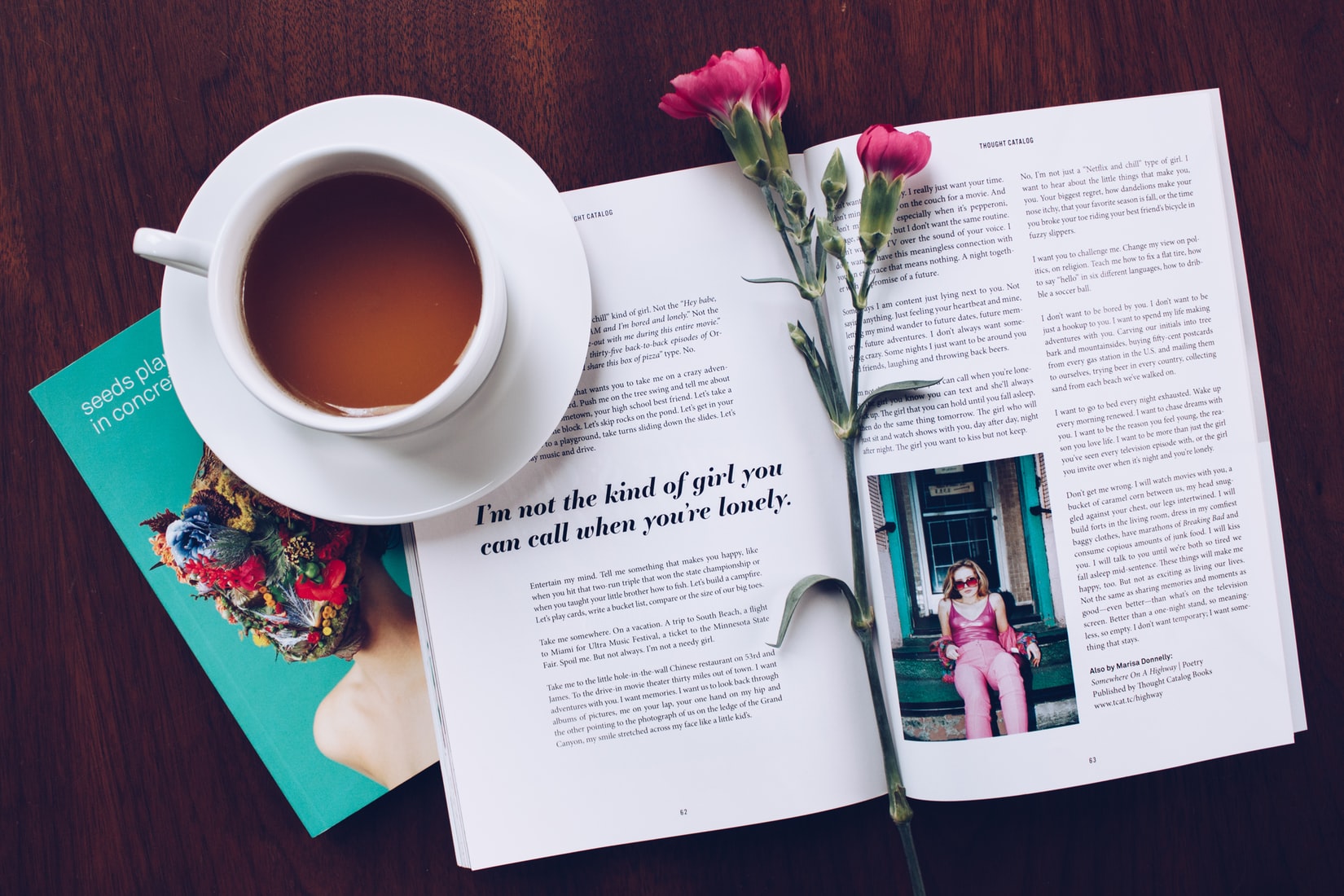
magazine on coffee table
5. Stick to one visual theme.#
So many pages! So many options! It can be overwhelming.
At the end of the day, it's better to stick to one overarching theme and let that dictate how you design each page. Decide on a visual hierarchy, and how all images need to be treated (black and white, sepia, full colour?).
Your brand should be the voice of the brochure. Stick to your set brand guide (more about that here) and keep it simple. A brochure is a lot of information, and your design should help your reader to take it all in.
<AcademyQuote> Consistency in design isn't just about looking professional – it's about creating trust. When every element feels intentional and cohesive, your audience focuses on your message, not your design choices. </AcademyQuote>
6. Brochure Design for printing.#
In addition to these considerations, there's a technical element that you need to remember. But we've made it easy for you by compiling it all into one simple checklist. It's no secret that there are certain basic things you need to do when saving your artwork. It's crucial to save this checklist and always have it handy. Check it out here: How to Make A Print Ready Artwork: Your Easy Checklist (Complete List)
7. Pro tip – my file size is too large? Help!#
I get this question at least once a week. Printulu doesn't print files that are larger than 100MB for logistical reasons. That's pretty huge in any case, and it's unnecessary for your file to be any bigger. But how do you get it smaller? Especially if there are so many images embedded in the file.
If your file size is getting too large, re-export your images from Photoshop at 70% quality (maintain 300 dpi). Always check that the images aren't pixelating when you do this. Most of the time, 70% quality maintains visual integrity. Re-input them into the final file in Illustrator or InDesign. Flatten the pages (export them as JPEGs) before compiling them into one PDF file.
Another handy tip is to remove drop shadows and clipping masks where possible. If all else fails, use Acrobat Distiller to shrink the file size even more (we always recommend using the PDF/X-1a:2001 codec). Always zoom in to the artwork to check that you're happy with the quality and that it's not pixelating before sending it through to print.
Lastly, if all of this sounds Greek to you, we can distil the file for you. However, we'll always ask you to check it first before putting it through to print, and if we have distilled it, we won't make any design changes to the file for you thereafter. This is just to avoid heartache and tears for both of us. But if you want to avoid all of this hassle, simply add design services to your order.
<AcademyDadJoke> Why don't printers ever get stressed about large files? Because they know how to compress under pressure! </AcademyDadJoke>
Sources:
Related Articles:
- How To: Set Up Booklets For Print (Avoid Wasting Money!)
- Graphic Design Software Basics: Create Perfect Prints 100% Of The Time
- How to order with Printulu
- Brochures – The Ultimate Guide
