

Picture this:
You're about to learn everything about "Brochures – The Ultimate Guide" — without the jargon, without the fluff, and with at least one dad joke that'll make you groan. Grab your coffee. Let's go.
Key Takeaways
5 min read
- 1**Creating your brochures – How to set it up:**
- 2**HOW TO GET HIGH-QUALITY IMAGES ON GOOGLE**
- 3Frequently Asked Questions
Creating <a href="/blog/print-ready-file-guide" class="internal-link text-[#007756] hover:text-[#005d42] underline font-medium">print-ready</a> brochures is straightforward when you know the essentials. Master these five key elements — size, image quality, colours, paper, and utility options — and you'll produce professional brochures every time.
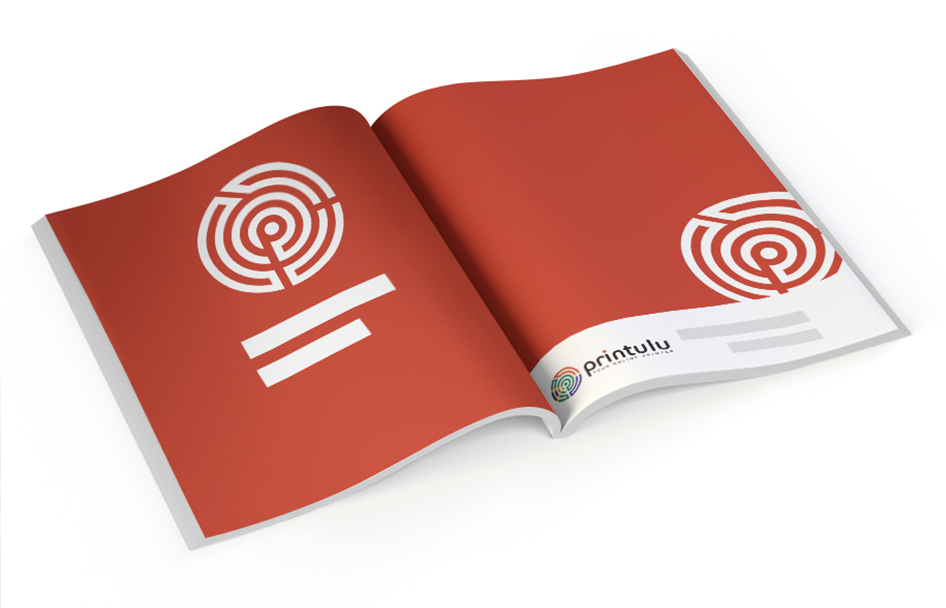
Blog_ImageBigPurrbindBrochure
<AcademyQuote> The difference between amateur and professional brochures isn't fancy design — it's getting the technical basics right from the start. </AcademyQuote>
Size: Your ordered product size equals your final product size. Make your artwork exactly the same dimensions.
Image Quality: Images must be minimum 250dpi. Here's a photoshop tutorial on how to increase your size.
Colours: What you see on screen often differs dramatically from print. Always design in <a href="/blog/topics/artwork-prep" class="internal-link text-[#007756] hover:text-[#005d42] underline font-medium">CMYK</a> colour mode.
Indesign doesn't allow you to convert your whole document to CMYK. You have to import CMYK files.
Paper: Standard 128gsm gloss provides durability while remaining easy to fold. This paper stock comes with protective coating and shine. Need more protection? Consider 148gsm gloss paper. Matt options are also available for clients.
Utility options: Creating artwork for a wiro <a href="https://www.printulu.co.za/product/brochures?utm_source=blog&utm_medium=content&utm_campaign=internal" class="internal-link text-[#007756] hover:text-[#005d42] underline font-medium">brochure</a>? Leave 25mm space free of text on left and right sides. This prevents text interference during binding.
ABOVE ALL, REMEMBER: Using Canva? You need to create custom sizes. Canva uses US standard sizes, not South African ones.
Creating your brochures – How to set it up:#
Using Word (Microsoft) or Pages (Apple):
Creating reports or manuals in Microsoft Word or Pages? You'll face production challenges. These tips will get you through unscathed. Treat these as rules, not suggestions — they'll make or break your artwork.
Alter your size for brochures:#
Include 3mm to your size. This 3mm provides essential bleed by adding to each side of your artwork. A 210mm x 297mm (A4) becomes 216mm x 303mm. Here's how:
On the File <a href="https://www.printulu.co.za/product/menus?utm_source=blog&utm_medium=content&utm_campaign=internal" class="internal-link text-[#007756] hover:text-[#005d42] underline font-medium">menu</a>, click Page Setup. In Page Setup, select a size from the <a href="/blog/paper-size-guide" class="internal-link text-[#007756] hover:text-[#005d42] underline font-medium">Paper Size</a> list. Select Manage Custom Sizes from the list to define custom paper size. Click the plus sign for new paper definition, then enter width, height, and margin sizes. Set margins to 1.2cm / 12mm. To place images on page edges, select the image and manually drag the margin ruler to the edge.
<AcademyProTip> Always add 3mm bleed to each side of your artwork. It's the difference between amateur-looking white edges and professional full-bleed printing. </AcademyProTip>
Get High-quality Images:#
High-quality photos aren't difficult to source. Create accounts with Freepik, Vecteezy, Pixabay, or Shutterstock. Most sites except Shutterstock offer free images. Follow their attribution processes for amazing quality images.
Search for bigger versions (higher quality) using google images. Upload your image. In the toolbar, select Tools. Under Tools, select Size then choose Large.
Change your document colour mode:#
Microsoft Word and Pages function in RGB colour mode for onscreen use. Microsoft still doesn't offer CMYK colour mode saving. Multiple conversion methods exist, but online converters work easiest.
We recommend https://www.pdf2cmyk.com. Upload your file, under Select CMYK profile choose US Web Coated SWOP v2. Click Start. Download your new PDF under results.
Alternatively, request our in-house design team to convert your artwork to CMYK free of charge.
<AcademyDadJoke> Why don't RGB colours work well in print? Because they're not ready to CMYK the commitment! </AcademyDadJoke>
HOW TO GET HIGH-QUALITY IMAGES ON GOOGLE#
When your images keep getting flagged for low resolution, you need proper Google search techniques.
These videos and tips help you create print-ready brochures first time. Your lead times stay on track.
Related Articles:#
Are you a brochure designer? Here's what you have to avoid at all costs for printing.
Printing Services for Your Brochure: The Must Haves and Need To Knows (Number 7 is a life saver)